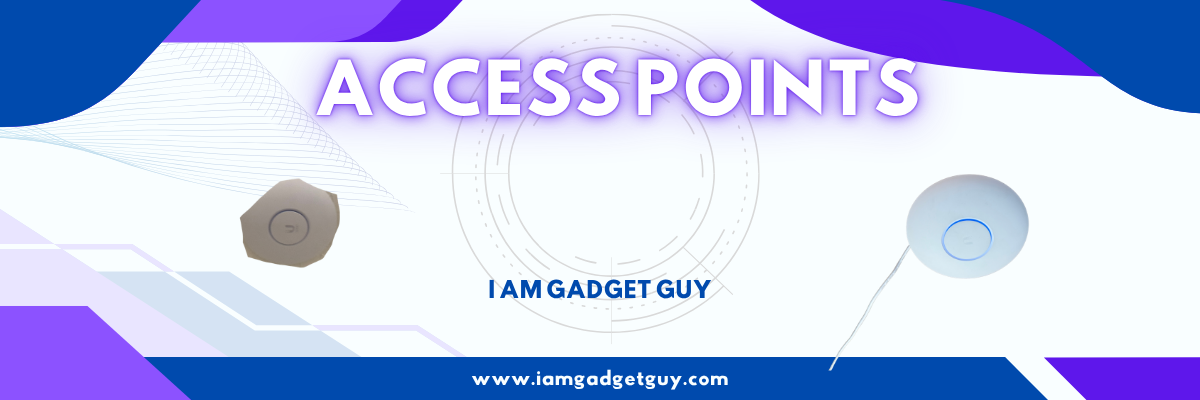
In the new house, I wanted to be fancy and have some access points throughout the house to deliver the best Wifi for all the stuff I have. Should be simple.
Access Point
In the previous post, I talked about what access points are. Check it out
The AP U6+
The AP U6+ has a lot of features, performance, and so forth. Here is a link to the information. Click the pictures and then go to Technical.


Let’s talk
Now that we have that covered, you can see why I wanted to go with that one. It was a great one while it lasted.
This access point was working great; it did have its issues. liked dropping the GbE and doing a wireless mesh from the U6 Lite.
- Reliable coverage across the area I needed it
- Performance held up under the small daily load
- No weirdness besides the meshing thing,
Then one day I was in my dashboard, and I saw that the AP needed a firmware update. I tried to install it several times, but nothing happened. I thought that was odd. It just kept on failing.
So what is the best thing to do? Yes, reboot it. So I did that, and well, that was the end of the U6+ life cycle. Yes, it was dead, nothing, wouldn’t boot up, wouldn’t do a dang thing.
Troubleshooting
I went online, and I found a lot of information about what to do. Well, none of it worked.
Yes, I tried the following:
- Power-cycled it
- Other PoE devices
- other cables
- PoE Switch
But that didn’t fix the issue. It appeared that a lot of people were having issues with the U6+ AP and facing the same issue as me.
My neighbor took it and tried a few things, but it still wasn’t coming back to life.
So, this lasted about 2 years and 2 or 3 months. By the time I got around to doing an RMA on it, nope, it wasn’t possible. It was out of warranty, and they wouldn’t do anything about it.
Paperweight
So right now it is not being used. It is just sitting in there collecting dust, and I can tell people what happened. I might mount it on my wall just for fun.
But a $129 Access Point shouldn’t become a paperweight. It should do what it was made for: handle Wifi traffic.
Next Week
Update on Permanent EverLights
YouTube
Discover more from Gadget Guy
Subscribe to get the latest posts sent to your email.